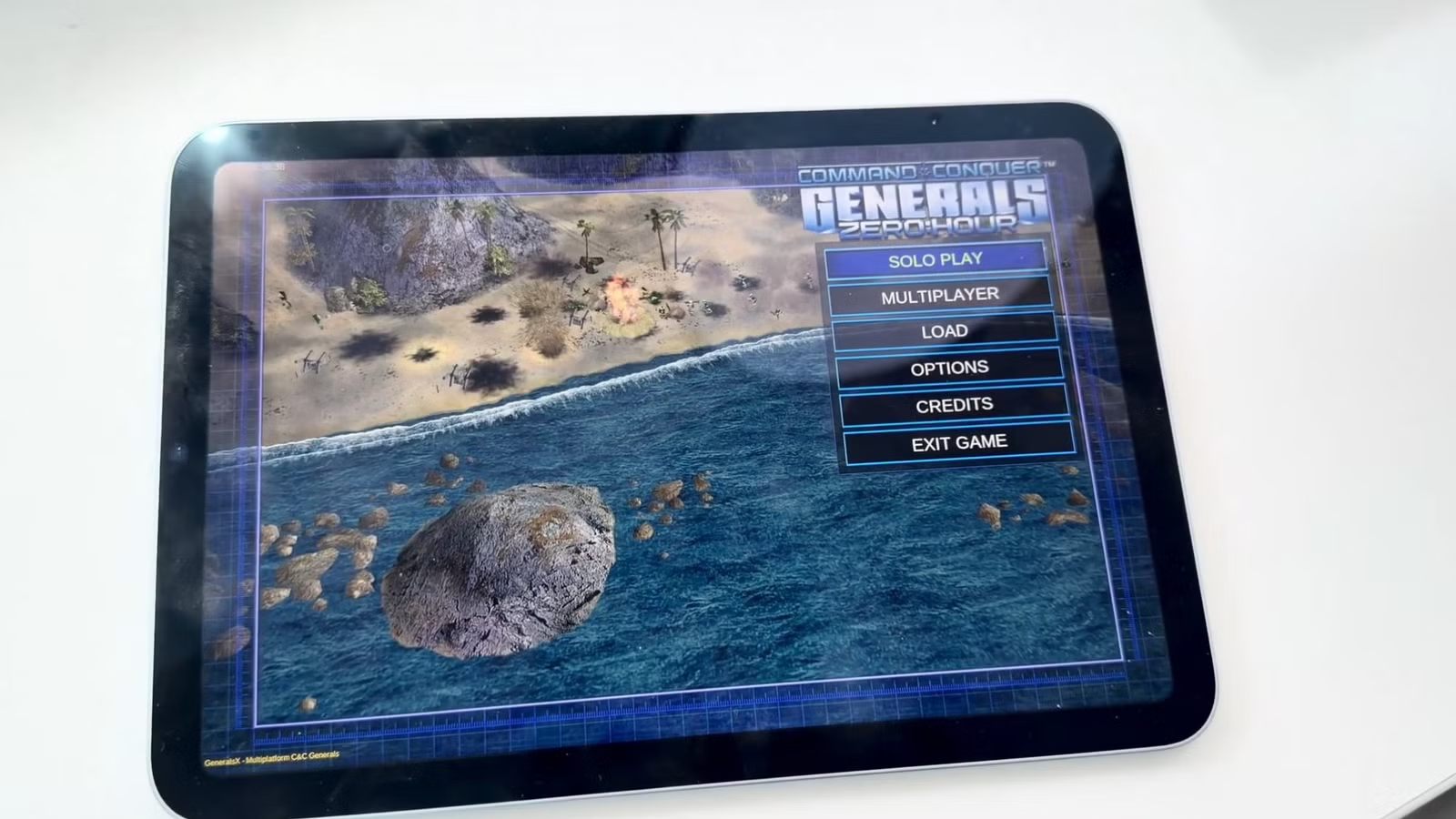
Hot on the heels of the recent Apple Silicon release, the open-source community has successfully brought Command & Conquer: Generals Zero Hour to Android tablets.
Just like the macOS and iOS versions, this is an unofficial community release and not an official Electronic Arts product. However, the technical execution here is a massive leap forward for mobile retro gaming. Instead of relying on heavy x86 Windows emulators to brute-force the game, developer tarek369 has compiled the original 2003 C++ engine natively for Android’s arm64-v8a architecture.
The Tech: The First-Ever DXVK Build for Android

When running classic Windows games on Android, the standard approach involves bridging x86 code through emulation layers like Winlator or Termux-Box. That approach carries massive CPU overhead.
This native port bypasses that entirely. Because the game engine itself is compiled as a native Android shared library, the only translation required is for the graphics API.
To solve this, the developer accomplished something unprecedented: compiling DXVK directly for Android.
The rendering pipeline works by taking the engine’s legacy DirectX 8 calls and feeding them into the custom DXVK library (libdxvk_d3d8.so). DXVK translates those instructions into Vulkan, which Android’s native Adreno or Mali GPU drivers then render directly to the screen.
Touch Controls and Hardware Requirements
The game requires Android 7.0 or higher, a Vulkan-capable GPU, and roughly 3 GB of free RAM to prevent the OS from killing the process during heavy skirmishes.
The engine has been remapped to translate native touchscreen gestures into the mouse semantics the 2003 code expects:
| Gesture | In-Game Action |
| Tap | Left-click (select unit, press button) |
| Tap and hold | Right-click (context menu, deselect) |
| Drag | Left-click drag (draw selection box) |
| Two-finger drag | Right-click drag (camera pan) |
| Two-finger pinch | Mouse wheel (zoom in/out) |
How to Install the Android Port
To comply with copyright law, the provided APK strictly contains the open-source engine. You must bring your own legally acquired game assets, such as the files from a Steam or EA App installation.
1. Download and install the APK:
Grab the latest GeneralsZH-full.apk from the GeneralsZH-Android GitHub Releases page and install it on your tablet. You will need to allow “Install from unknown sources” in your Android settings.
2. Create the Game Data folder:
This is where the game will look for your assets..
Using your tablet’s file manager or via ADB from your PC, navigate to your internal storage and create the following exact directory path:
/sdcard/Android/data/me.generalsx.zh/files/GameData/Data
3. Transfer your legal PC assets:
Do not copy the entire folder, only the individual .big archives.
Locate your legitimate PC installation of Generals: Zero Hour (e.g., C:\Program Files (x86)\Steam\steamapps\common\Generals\Data). Copy all of the .big archive files from that folder into the directory you created on your tablet in Step 2.
4. Launch the game:
Open the “Generals ZH” app from your Android drawer. On the first launch, the app will briefly pause to extract the necessary fonts before loading the main menu.
Leave a Reply