
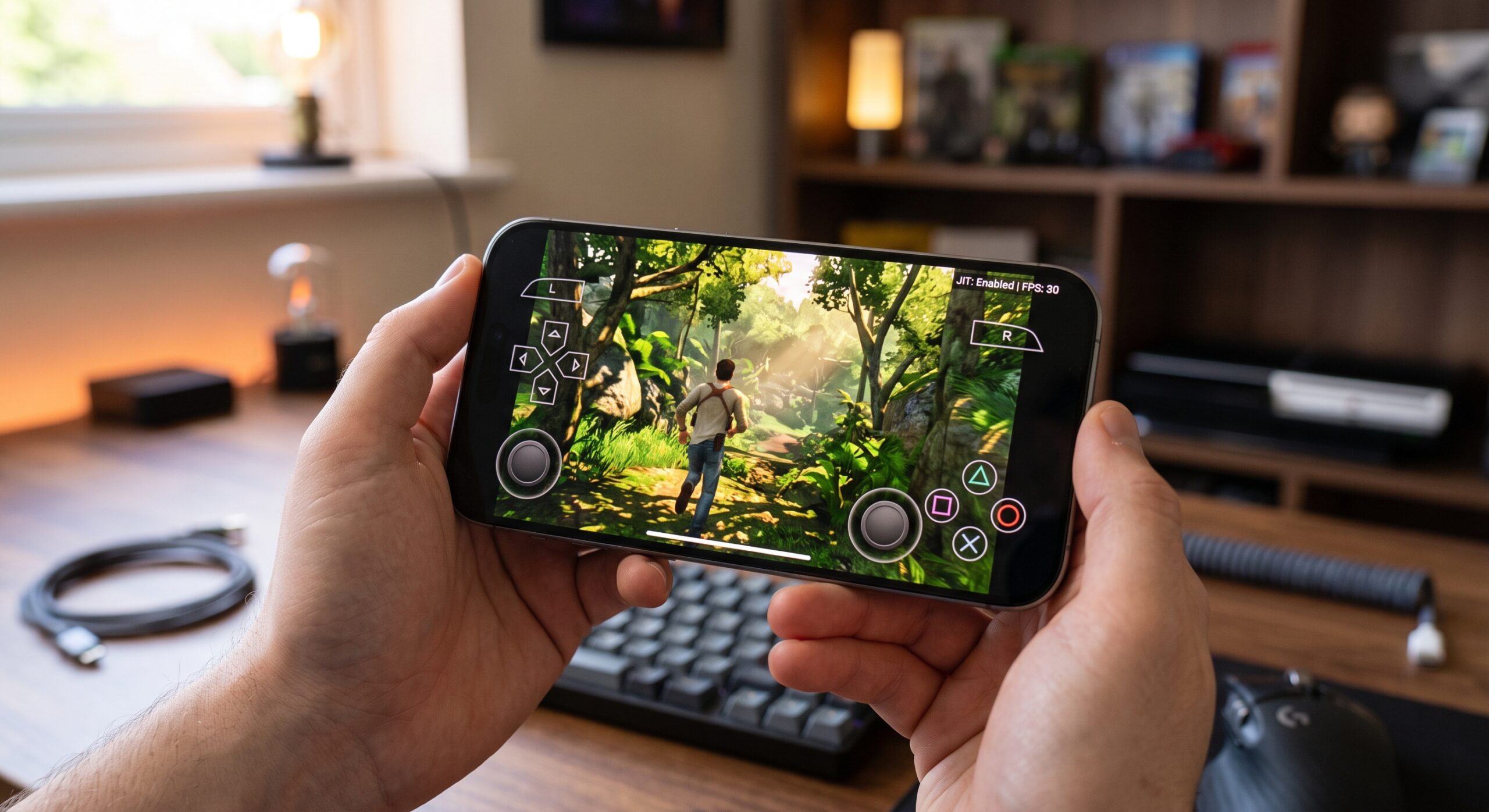
Mobile emulation on Apple silicon has been advancing at a breakneck pace, but the PlayStation 3 has long stood as the platform’s final, most stubborn frontier. That wall is beginning to crack with the public debut of PSX3IOS, an early-stage PS3 emulator running directly on iOS.
Developed by community member xmiguel911x, this early alpha (v0.0.1) build brings the complex architecture of Sony’s Cell Broadband Engine to the iPhone. While it remains very much an experimental project, it marks a major technical milestone for handheld emulation enthusiasts.
What Is PSX3IOS?
PSX3IOS is an iOS-specific frontend and port built on top of the open-source RPCS3 core. While developers have previously experimented with Android adaptations, the author of PSX3IOS notes that this project is not a direct port of the Android codebase. Instead, it was tailored directly around iOS memory management and platform constraints.
Despite its v0.0.1 status, several foundational features are already in place:
- Bundled Configurations: RPCS3’s database of recommended per-game settings is pre-loaded out of the box.
- Content Management: Full support for installing
.pkgfiles, DLC expansions, and game updates. - Controls & UI: Native on-screen touch controls, controller support, and individual game setting profiles.
- Trophy System: An early framework for tracking PlayStation Network trophies locally.
The JIT Hurdle & Hardware Requirements
Emulating the PS3’s PowerPC-based Cell processor on ARM architecture demands substantial CPU cycles and memory. Apple’s strict security sandbox limits unentitled apps to 4 GiB of virtual address space, whereas RPCS3’s core seeks to reserve an 8 GiB virtual address space upon launch.
| Requirement | Specification | Practical Impact |
| Target Device | iPhone 15 Pro / Pro Max & newer | 8 GB+ of RAM allows direct standard sideloading |
| Older Hardware | iPhone 14 Pro, older iPhones, base iPads | Requires extended-virtual-addressing entitlement via TrollStore or LiveContainer |
| Execution Mode | JIT (Debugger) / JIT-Less (Interpreter) | JIT delivers optimal speeds; Interpreter runs lightweight titles like Rayman Origins at 60 FPS |
| System Firmware | Official PS3 .PUP | User-supplied firmware file required |
Step-by-Step Installation Guide
Because PSX3IOS operates at the extreme edge of iOS system limits, installation requires specific steps depending on your device’s physical RAM and iOS version.
1. Gather Required Files
Before installing the application, ensure you have the following ready on your device or storage:
- PSX3IOS Application: Download the PSX3IOS v0.0.1 .ipa file via MediaFire directly from the developer’s release thread.
- Official PS3 Firmware: A legal
PS3UPDAT.PUPfile downloaded directly from Sony’s PlayStation support site. - Decrypted Game Backups: Unencrypted game folders or
.pkgfiles along with their respective.raplicense files.
2. Install the IPA via Your Preferred Sideloading Route
Choose the installation method matching your hardware:
- For 8 GB RAM Devices (iPhone 15 Pro / iPhone 16 series): You can sideload the IPA directly using tools like AltStore, Sideloadly, or SideStore. To unlock playable framerates, pair your install with a JIT enabler such as StikDebug or Jitterbug.
- For Devices with under 8 GB RAM (iPhone 14 Pro, base iPads, older models): Standard sideloads will crash instantly with a
Failed to reserve vm memoryerror. You must install the IPA using TrollStore (if your iOS version supports it) or run it through LiveContainer paired with the GetMoreRam tweak to grant the requiredextended-virtual-addressingentitlement.
3. Install the PS3 System Firmware
Open the installed PSX3IOS application:
- Tap the Install Firmware button in the main menu.
- Workaround: In alpha v0.0.1, tapping this button automatically routes you to the general Settings menu. Scroll down to the bottom of the Settings list to locate the actual firmware file picker.
- Select your
PS3UPDAT.PUPfile and allow the emulator to compile the base system modules.
4. Import Games and Essential Title Updates
- Import your game dumps via the in-app file browser or place them in the emulator’s accessible documents directory.
- Use the in-app package manager to install any mandatory game updates. Certain titles like Grand Theft Auto IV will not boot on disc version 1.00 due to known RPCS3 bugs and strictly require update patch v1.08 to launch.
Community Reaction & The “Vibe Coding” Debate
Beyond its performance hurdles, PSX3IOS has sparked considerable discussion across the homebrew community due to the creator’s transparent use of AI tools (“vibe coding”) to assist in debugging and porting.
While some skeptics have raised questions regarding long-term code maintainability, the developer highlighted the manual engineering required to get the core functional on iOS—such as resolving subtle operator-precedence bugs in the SSE-to-NEON instruction translation layers and tracking uninitialized graphical fields that previously stalled renderer initialization.
The Road Ahead
PSX3IOS is currently closed-source while the developer iterates on early stability, but an open-source release is planned once compatibility settles. While users should not expect stable 60 FPS performance across demanding AAA 3D titles just yet, the project proves that PS3 emulation on iOS is a viable reality.
Note: Pocket-Gaming.org does not host or link to copyrighted ROMs, ISOs, or BIOS files. Emulation is intended for use with legally owned physical or digital media.
Leave a Reply