
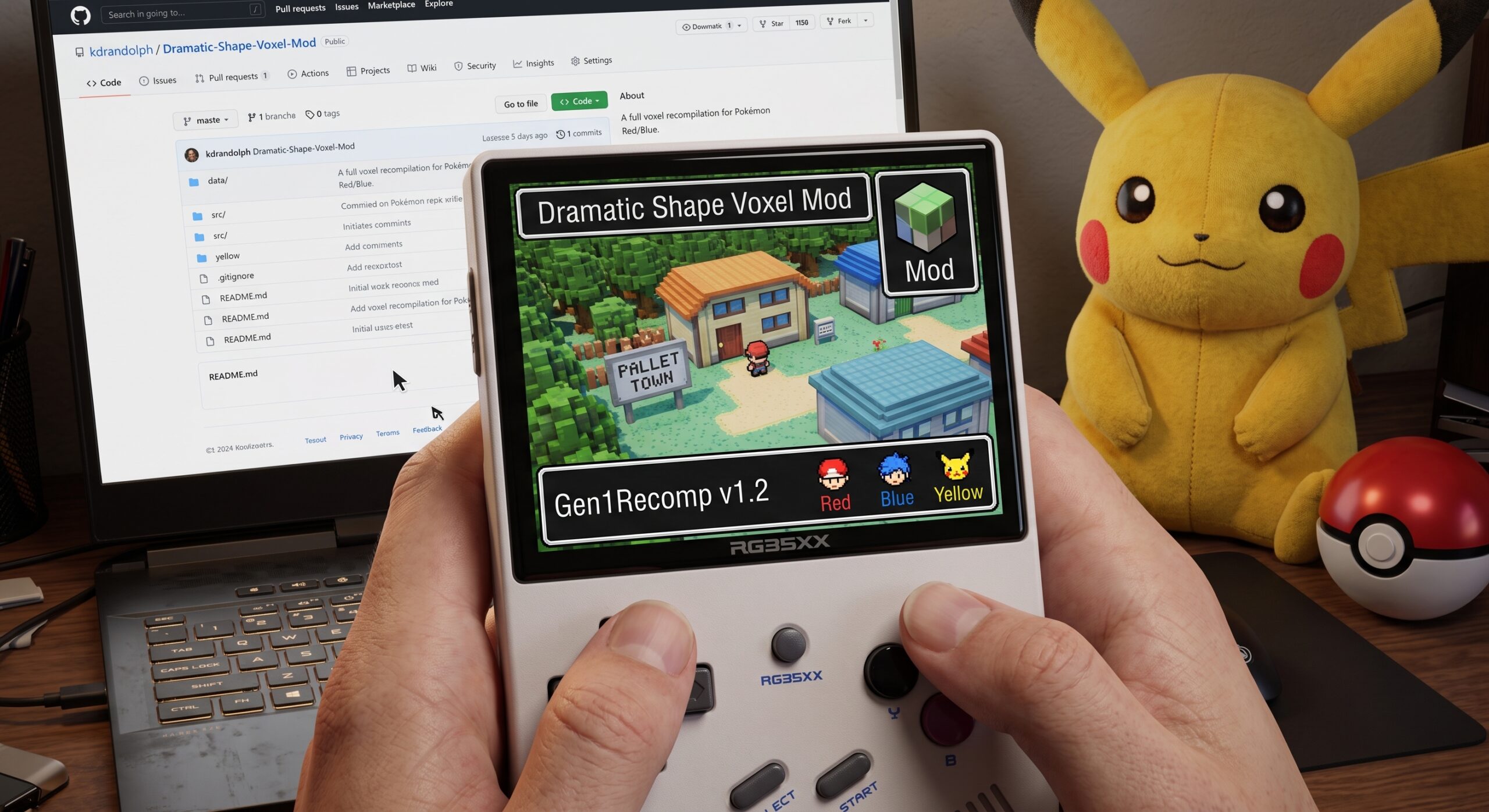
Welcome back to Pocketgaming.org! You’ve probably seen it making waves online, but there is a fantastic new way to experience the original trio of Pokémon games natively. Recently, a project called Gen1Recomp arrived on GitHub. Pitched as a LÖVE2D recreation of Pokémon Red and Blue—with a recent update bringing support for Pokémon Yellow—this release brings an entirely new dimension to our childhood favorites.
What makes Gen1Recomp truly stand out isn’t just the native code execution; it’s the expansive mod support. It didn’t take long for the Dramatic Shape Voxel Mod to drop on GitHub, transforming the classic top-down 8-bit graphics into an incredible 2.5D perspective. While the classic story remains untouched (unless you want to mod that too), these visual overhauls make it feel like the remake we always dreamed of.
Here at Pocketgaming, we’ve put together a quick guide to getting this up and running on your preferred gaming devices.
What You’ll Need First
Before you start the installation, gather the following files and place them in an easily accessible folder:
- The Pokémon Gen 1 Recompilation Project release files.
- The Dramatic Shape Voxel Mod zip file.
- A legally dumped .gb or .gbc ROM of Pokémon Red, Blue, or Yellow.
Installation Guide for Android Devices
If you’re ready to take the 2.5D experience on the go with your Android phone or handheld, here is how you do it. Note that because this is a homebrew GitHub project, you will be sideloading an APK rather than downloading it directly from the Google Play Store.
- Head to the Gen1Recomp GitHub repository and download the latest
gen1recomp-xxxx-android.apkfile. - Download the Dramatic Shape Voxel Mod from its GitHub page. Important: Do not extract this ZIP file.
- Open your preferred file manager and install the Gen1Recomp APK.
- Launch the newly installed app.
- Navigate to the specific Pokémon game you wish to play (Red, Blue, or Yellow).
- Tap the button to browse your storage and select your corresponding ROM file.
- Tap the app drawer icon to enter the Mods section.
- Select “Import mod.zip” and choose your
DRAMATIC_SHAPE-XX.zipfile. - Return to your game tab and press “Play”!
Installation Guide for Windows
Playing on a PC or Windows-based handheld is just as straightforward:
- Visit the Gen1Recomp GitHub and download the release corresponding to your desktop platform.
- Download the Dramatic Shape Voxel Mod (again, make sure to leave it as a zipped file).
- Extract the Gen1Recomp app files to a folder of your choice and run the executable.
- Once the app is open, select the Pokémon game you want to play.
- Click the button to import your ROM file.
- Head over to the Mods section and click “Import mod.zip”, then load the Voxel Mod ZIP you downloaded earlier.
- Head back to the main game tab and click “Play”.
A Note on Linux-Based Retro Handhelds
If you’re using a device like an Anbernic handheld running a stock Linux OS, there’s a dedicated port available on the GitHub repository (e.g., gen1recomp-XXX-rg34xxsp-stockos64-mod.zip).
You simply need to extract the files, move the Gen1Recomp.sh script and its corresponding folder into your SD card’s PORTS directory, and place your ROM inside the newly created lovegame folder. Since there is no native file picker on these firmware options, placing the ROM directly in that directory automatically imports it for you.
Stay tuned to Pocketgaming.org as we continue to track the updates for this recompilation. The developers have been consistently pushing out patches and performance improvements daily, so expect the gameplay and mod support to get even smoother in the near future!
Leave a Reply